
Support · inbox · Web apps
Inboxly
Support that answers fast
Scroll to explore ↓
01 · Support · inbox
Reply fast, cleanly
Support that answers fast. Fictional direction — same craft as real client work under NDA.
- 01
Threads
Select a conversation — context is there.
- 02
Reply
Compose and “send” locally — instant feedback.
- 03
SLA vibe
Feels like a support tool, not a mailto.
01b · Engineering
Technical sheet
Stack, shipping and my role on this build — for recruiters and tech leads.
- Technologies
- Next.js
- TypeScript
- React
- Tailwind CSS
- Libraries & tools
- Framer Motion
- local state
- Deployment
/play demo — product journey without real API
- Role
Product · UI · business flows
- Context
Interactive demo app — clear product intent
02 · Inside the product
One scroll, one screen
Each section locks to the viewport — keep scrolling past the last screen to return to the brief.
Support · inbox
Reply fast, cleanly
Select a conversation — context is there.
02
Reply
Compose and “send” locally — instant feedback.
03
SLA vibe
Feels like a support tool, not a mailto.
CS & startups
Support finally has a cockpit
“New hires train on Inboxly in 10 minutes.”
“Macros later — the reply gesture already matters.”
Inbox
Open a conversation
Fictional threads · simulated send.
Open inboxBack to the brief
You’ve left the demo screens — next: try it, then the craft notes.
03 · CS & startups
Support finally has a cockpit
“New hires train on Inboxly in 10 minutes.”
“Macros later — the reply gesture already matters.”
04 · Inbox
Open a conversation
Fictional threads · simulated send.
- →Hero + below-the-fold sections (not just a hook)
- →Visual hierarchy and primary CTA
- →Information density vs readability
Local demo — no data is sent.
05 · Same family
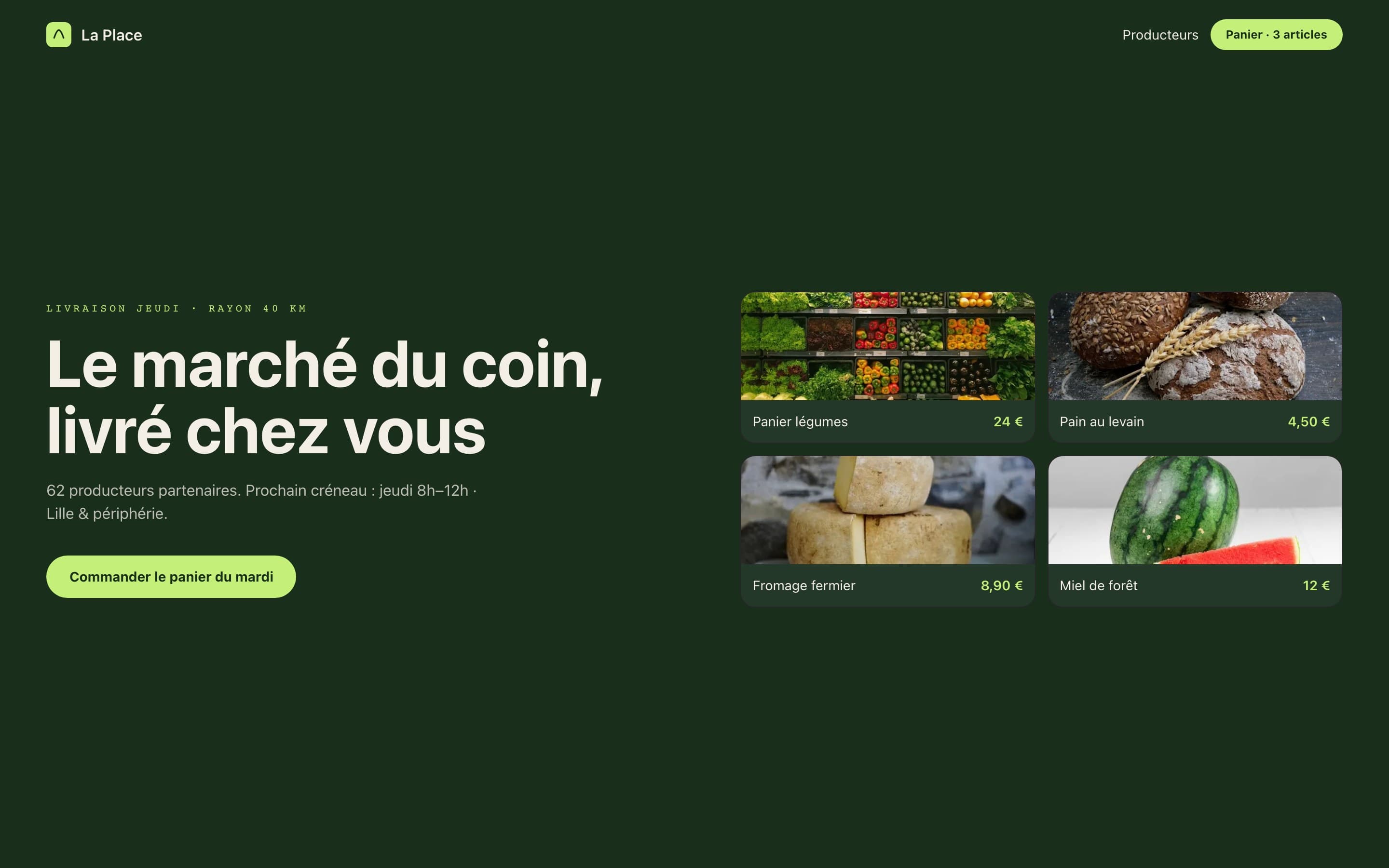
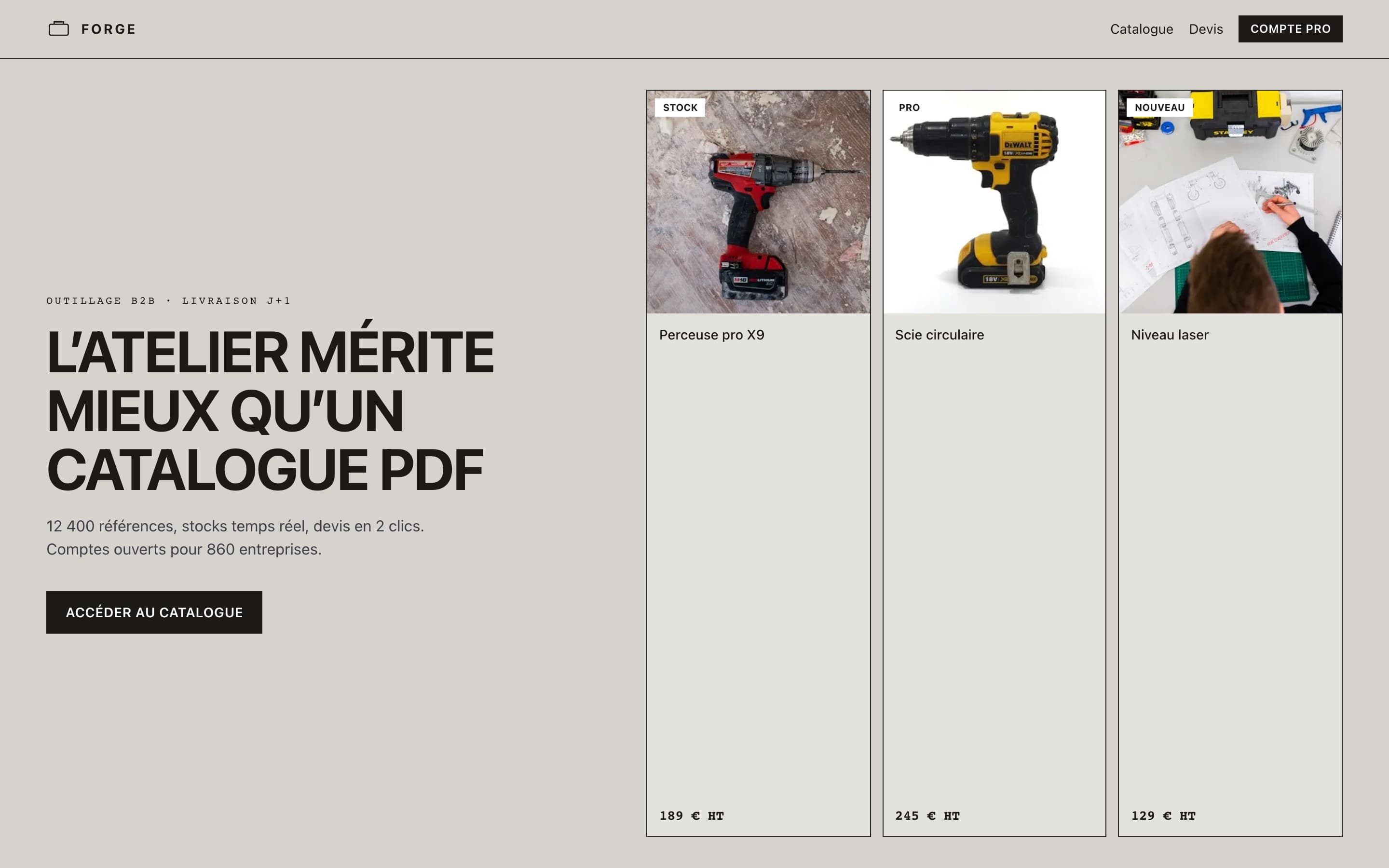
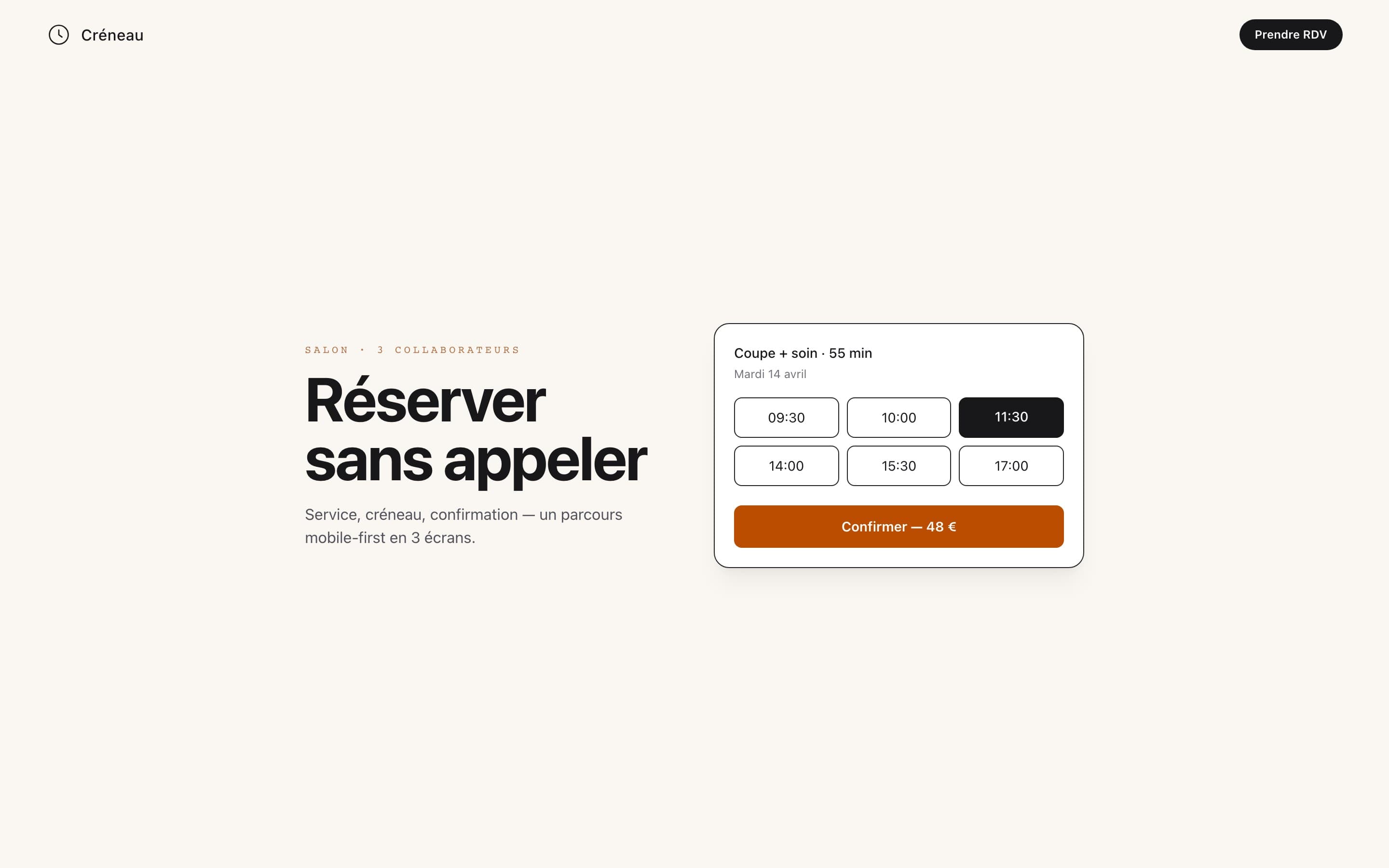
Other directions of the same type — to compare density and mood.

06 · What to look at
- 01Hero + below-the-fold sections (not just a hook)
- 02Visual hierarchy and primary CTA
- 03Information density vs readability
- 04Interactive states (hover, selection, feedback)